¶ AP Only Provision
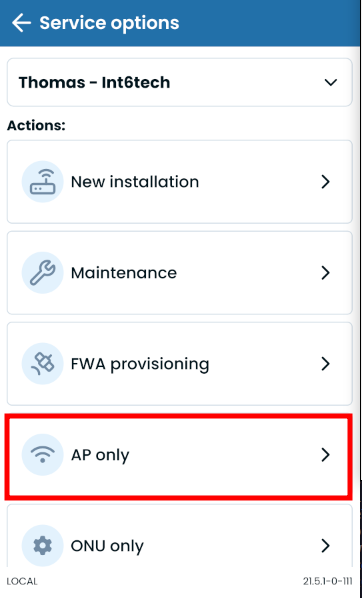
This flow is a subset of the New Installation flow, focused only on the AP configuration part (basically, WiFi and Webdriver).
In the next sections we will be showing each step as well as its function in the installation. Optional and occasional steps will be marked with a "*".
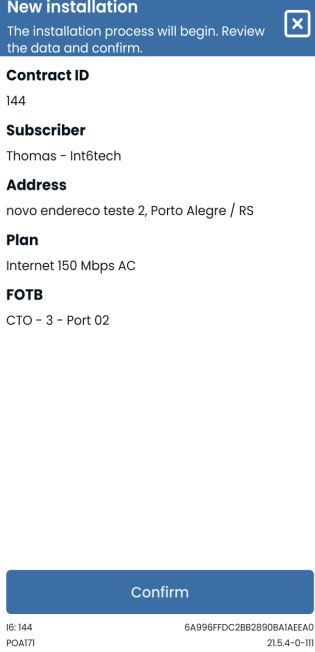
¶ Confirm Client Data
Just a client info summary to double check if the right client is being provisioned.
¶ Change Location
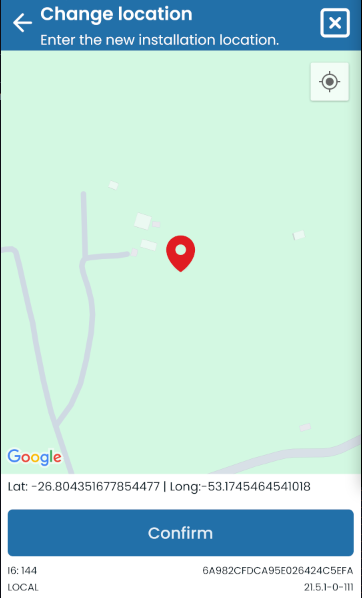
Lets the user set the latlong coordinates where the installation is happening. This is also used to search for nearby FOTBs in the next steps
¶ GPON Power Check
If the client's ONU is already provisioned, then the flow will execute a mandatory GPON Power Check
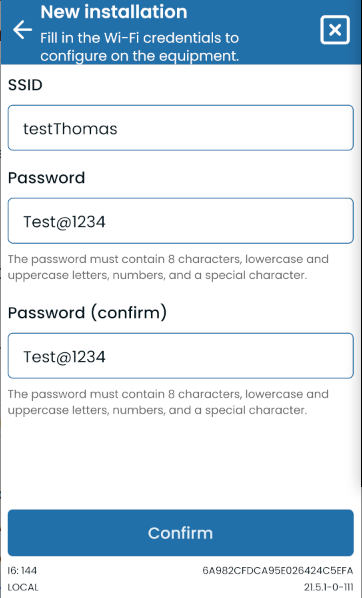
¶ Wi-Fi Info Collection
It's possible to change the input's tips, regexes and the regex error message via smart setting
¶ Webdriver
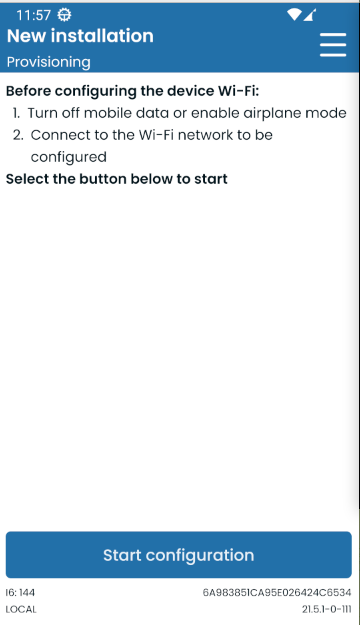
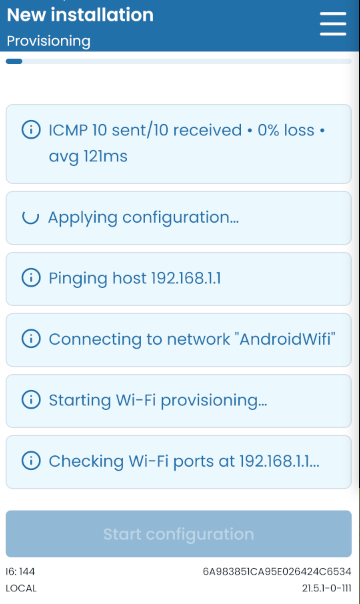
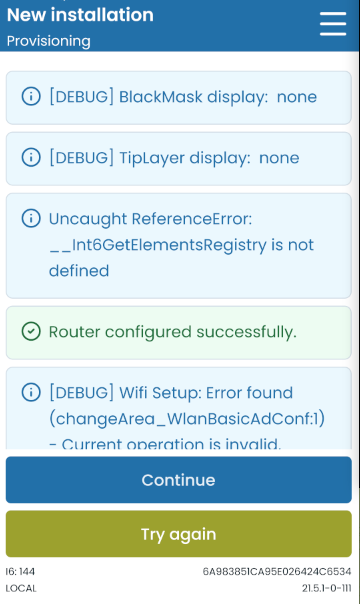
Process that configures the AP equipment through an interface that connects and controls the equipment network's web page, called Webdriver, and automatically clicks on buttons, selects options and fills out fields. This page has logs that show the current action being resolved and errors that might happen on the way. It's required for the user to be connected to the equipment's Wi-Fi and have the mobile data option disabled for the step to work.