¶ ⚙️ Custom Dashboards
¶ 🧭 Accessing Settings
When you click the gear icon on the dashboard screen, you will be redirected to the dashboard management screen.

¶ 📋 Dashboard List
On this screen, dashboards are divided into two groups:
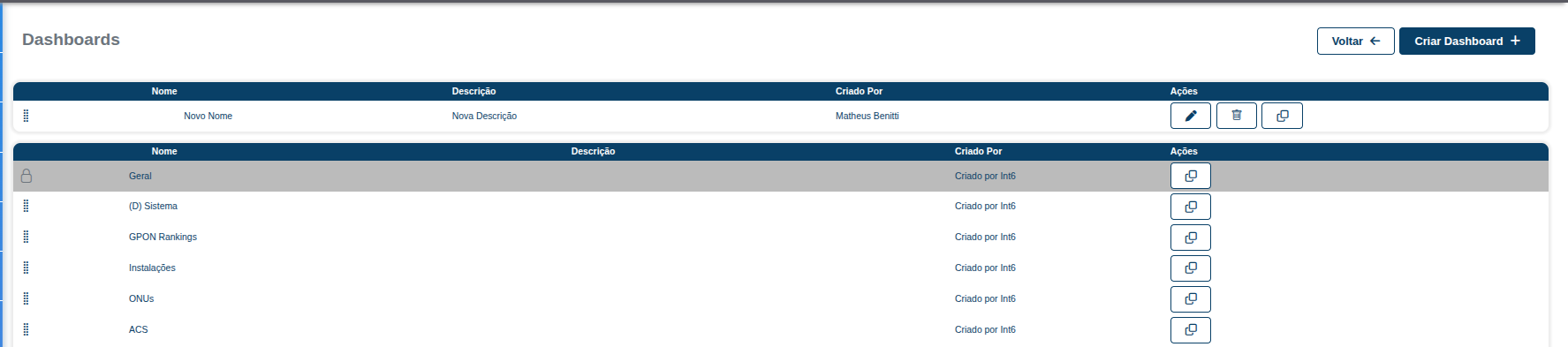
¶ 🧩 Created Dashboards
These are dashboards created by users.
Available actions:
- ✏️ Edit → Allows you to change the dashboard settings
- 🗑️ Delete → Removes the dashboard
- 📄 Clone → Creates a copy of the dashboard
¶ 🏢 System Default Dashboards
These are dashboards created by default in the portal.
- They cannot be edited or deleted
- They serve as a base or reference
- They can be cloned for customization
¶ ➕ Create a New Dashboard
When you click "Create Dashboard", you will be redirected to the creation screen.
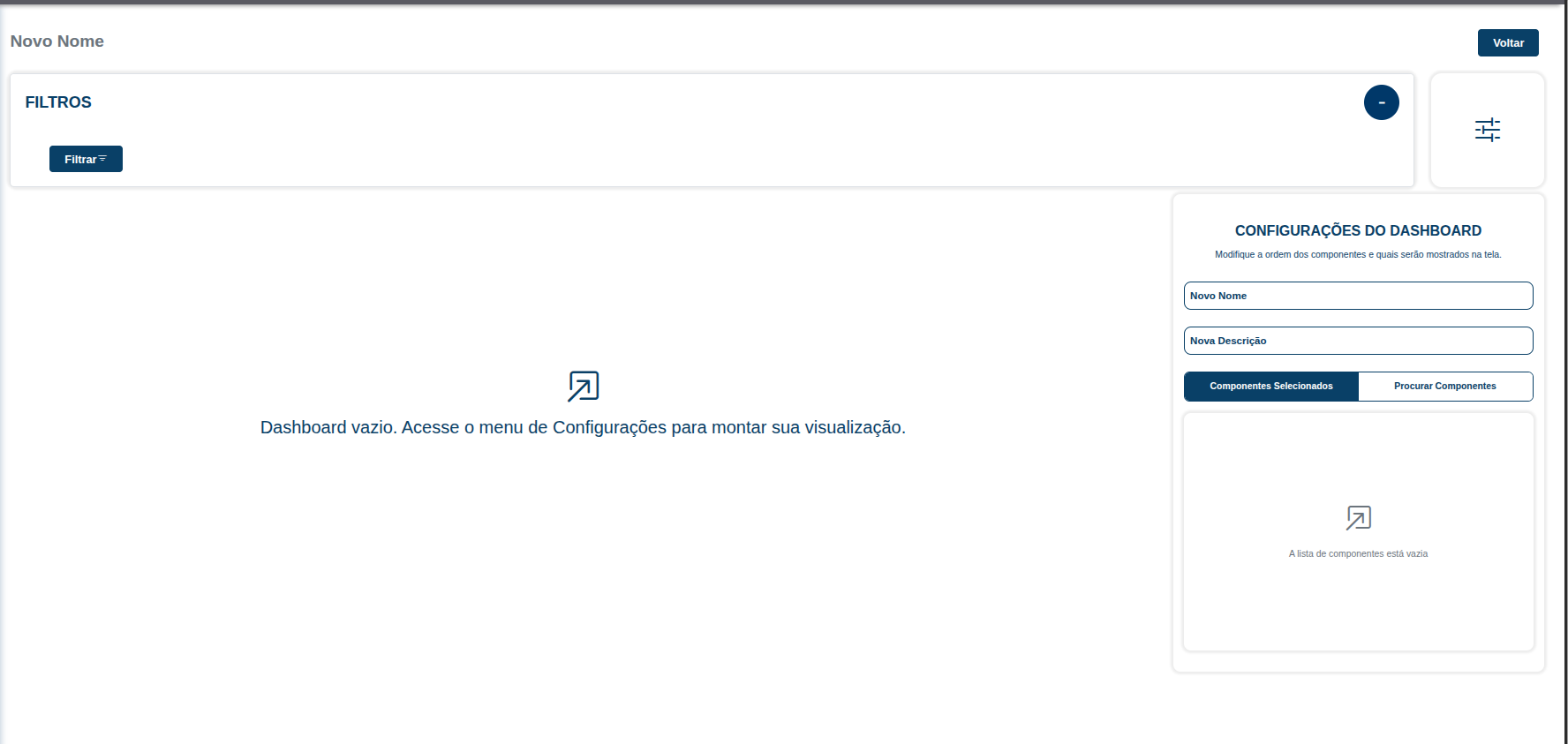
¶ ⚙️ Dashboard Configuration
On the right side, you will find the main settings:
- 🏷️ Name → Dashboard name
- 📝 Description → Optional description
- 🔍 Search Components → Lists all available reports
¶ 📊 Adding Reports
When you click "Search Components":
-
All available reports will be displayed
-
Reports can be filtered by category
-
To add a report:
- ➕ Click the "+" icon
-
To remove a report:
- ➖ Click the "-" icon
¶ 📌 Summary
- The gear icon opens the dashboard management screen
- Dashboards are divided into custom and default dashboards
- You can create dashboards with dynamic reports
- Full flexibility to organize and filter information